The first screen you'll see when registering at portal.scopemark.ca/onboarding asks how your company works. ScopeMark supports three account types — each designed for a different way of operating in the trades industry.

/onboardingThe three account types explained
Service Seeker
Best for: Companies that hire contractors to do work — property managers, facility managers, general contractors, security integrators, building owners.
What you can do: Post jobs, receive bids from verified contractors, manage milestone-based payments, and pay only when work is confirmed complete.
Examples: Property management companies, facility managers, general contractors (GCs).
Service Provider
Best for: Licensed trade contractors who want to receive job postings from companies and get hired.
What you can do: Receive job postings matching your trades, submit bids, get hired, and get paid by milestone.
Examples: Licensed trade contractors, incorporated firms (electricians, locksmiths, door & hardware installers).
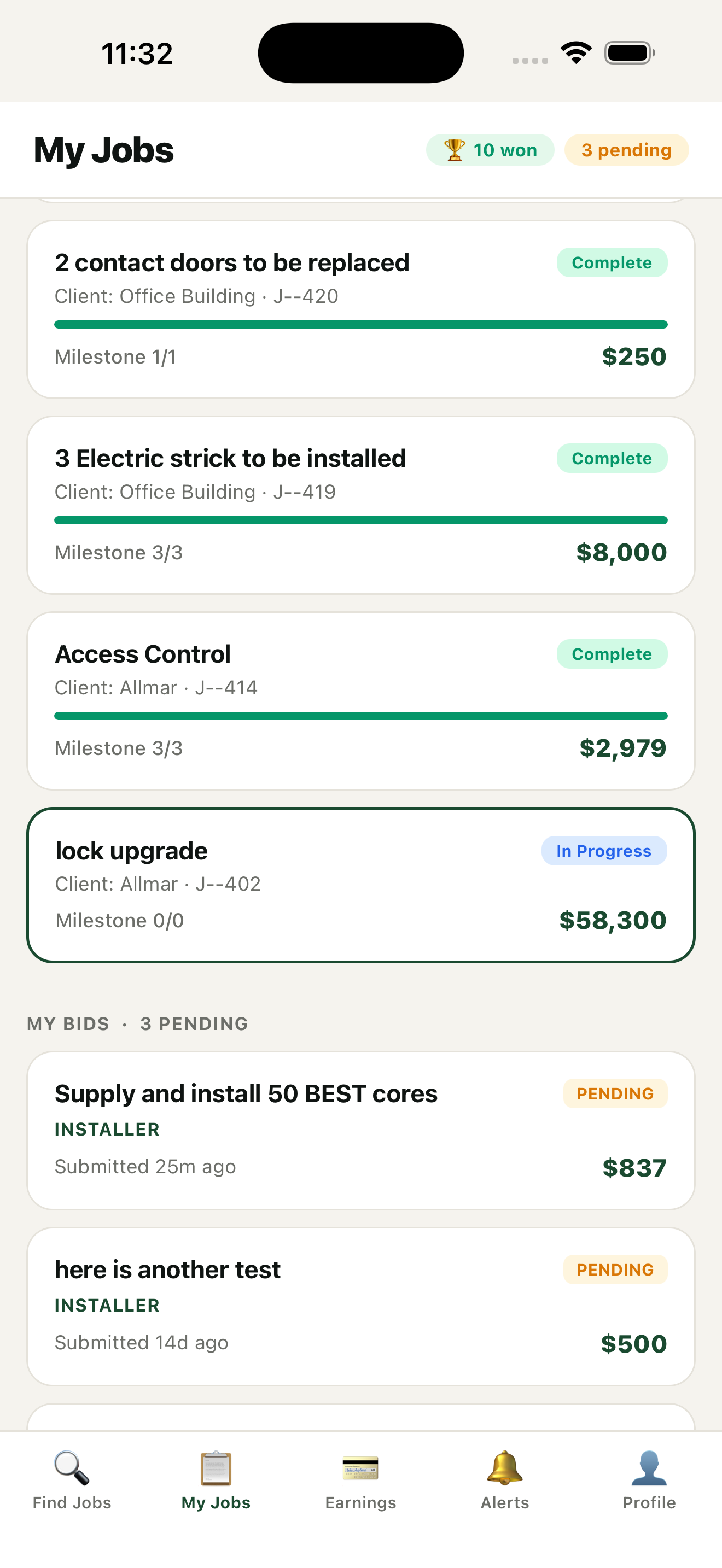
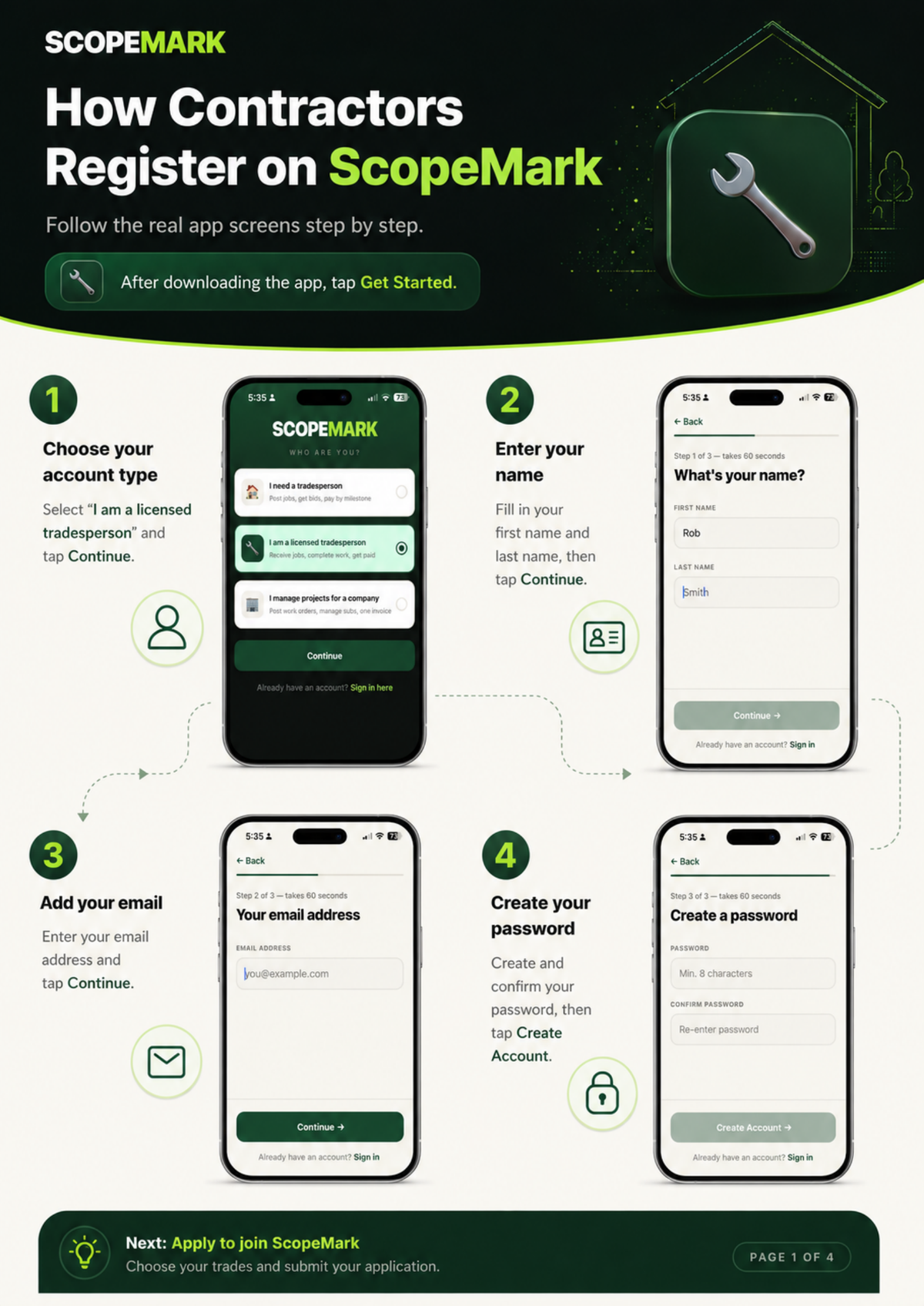
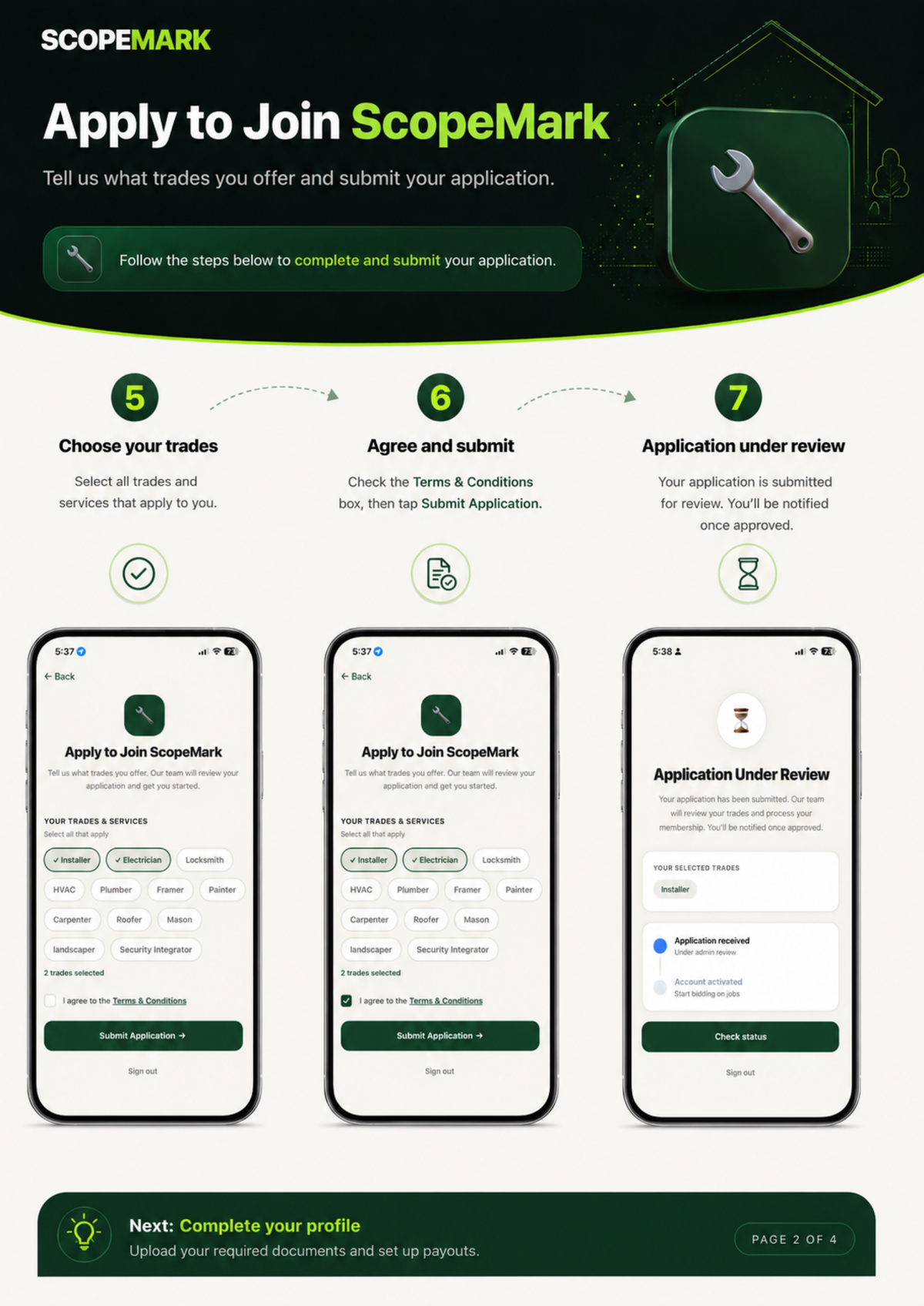
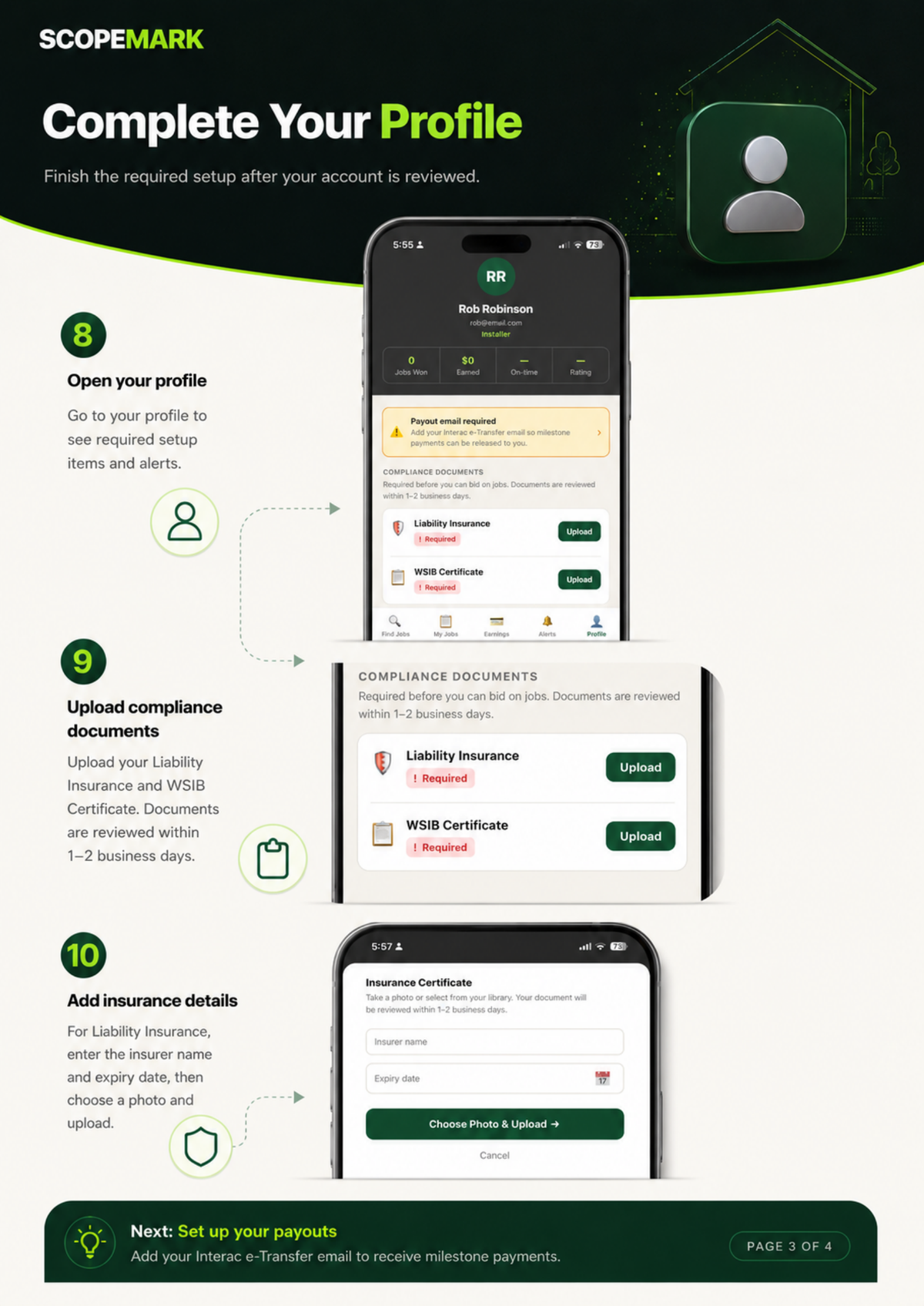
Heads up for individual tradespeople: If you're an individual contractor (not a company), you should register through the mobile app — not the web portal. The web portal is for companies registering as Service Providers.
Dual Role
Best for: Mid-size contractors who both receive work from larger clients AND sub-contract specialist work out to smaller trades. This requires additional qualification.
What you can do: Receive jobs from clients above you in the chain AND post sub-scopes to specialist contractors below you. Full visibility on both sides.
Examples: Mid-size security companies like Convergint or Allmar that win contracts from large clients and sub out specific trades.
All three roles require approval before access. ScopeMark reviews every registration to maintain network quality. Typical review time is 1 business day.
How to choose
Click the card that matches your company. Read each description carefully — pick the one that reflects how you'll mostly use the platform.
Click "Select a role to continue" at the bottom of the screen. The button will activate once a role is selected.
Proceed to create your account. You'll enter your personal login credentials next.
Not sure which to pick? If you're unsure, start with Service Seeker — you can always contact support@scopemark.ca later to request a role change if needed.
What's next
Was this article helpful?